5 Things I Learned Using a VPN for Streaming
Looking to expand your streaming library?
November 29, 2025 / by JR Carag / 4 mins read
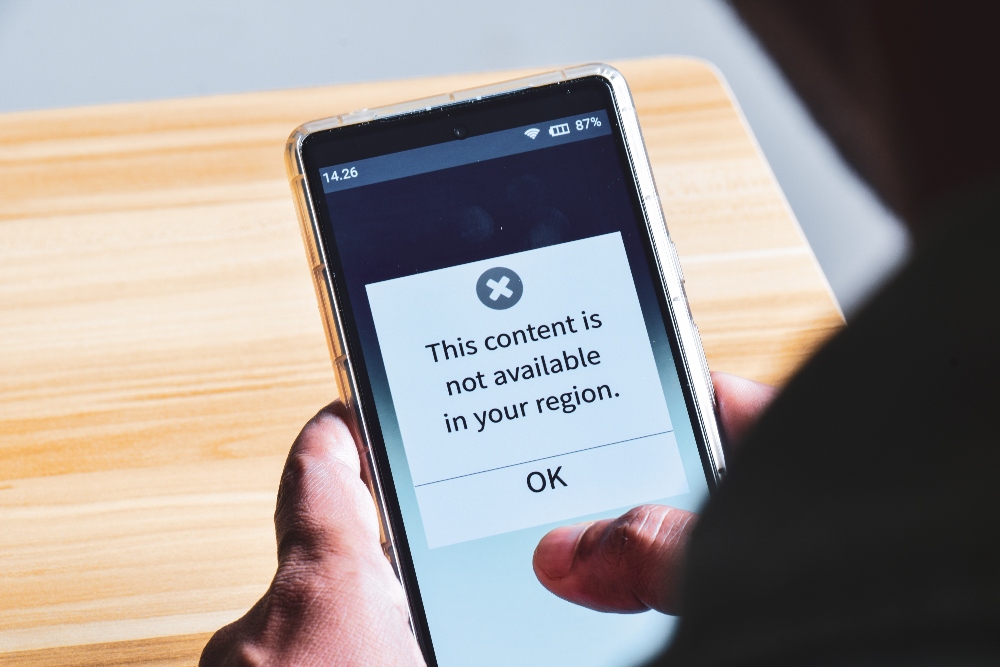
We've all probably seen the ads by now. "Trying to stream a movie, but you just can't find it? It may be available in a different country! Use a VPN...", you know the rest. Well, let's just say those VPN ads ran through my mind after weeks of frustration trying to figure out how to watch Wrestlemania here in the Philippines. Knowing Wrestlemania would be on UK Netflix, I decided to finally try out the trick.
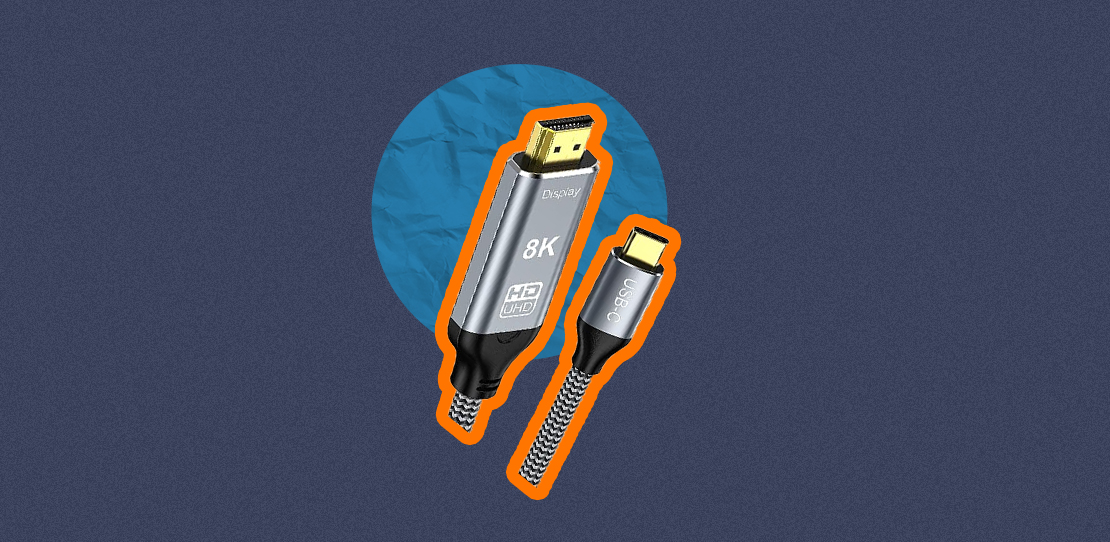
Spoiler alert: it worked... sort of. While I did eventually get to stream what I wanted the way I wanted, the process wasn’t as smooth as some YouTube tutorials made it seem. From quick wins to minor tech puzzles, here are the five things I learned about using a VPN for streaming—and why I needed the XReal HDMI to Type-C Wire from the Next Upgrade Shop to finally achieve the watching experience I wanted.
1. Not All VPNs Are Created Equal
Before subscribing to any particular VPN service, I made sure to check what free VPNs could offer. I quickly realized that if I wanted to watch WrestleMania, I had to pay for a premium version. Free VPNs come with huge caveats—data limits, slower streaming speeds, and limited regional servers. If you're aiming to stream a live event, such as WrestleMania, subscribing is really the only reliable option. So yes, while it might sting a bit to pay for a subscription, it’s worth it if you’re serious about the title you want to stream.
2. VPN Streaming Is as Easy as Advertised... on Laptops and Phones
If you’re planning to watch directly from the device that has the VPN, it really is plug-and-play. I just installed the app, paid the subscription, selected "UK" as my location (since that’s where Wrestlemania was available on Netflix), and opened my Netflix account. Bam—there it was. No fuss, no errors, and definitely no need to pull your hair out. So if your preferred viewing experience begins and ends with your phone, tablet, or laptop, then VPN streaming is practically effortless. That alone makes it worth considering.
3. But Watching on a TV? That’s Where It Gets Tricky

This is where things hit a speed bump. I initially assumed I could simply cast my laptop screen to the Smart TV like I always do. Nope. VPNs reroute your device’s internet connection, which means my TV and laptop were no longer on the "same network"—casting disabled. I even tried using a streaming stick, only to find out most of them don’t allow VPN installations in the first place. It turns out TVs aren’t quite VPN-friendly.
4. You Need to Physically Connect Your Device to the TV

Courtesy Next Upgrade Shop
After a bit of Googling (and some trial and error), I found the most straightforward workaround: connect the device that has the VPN directly to the TV via HDMI. It’s old-school, but it works flawlessly. No casting needed. The TV simply mirrors whatever your device is showing. This became my go-to method, especially for longer events like Wrestlemania. I used the XReal HDMI to Type-C wire I purchased from the Next Upgrade Shop, connected the TV to a tablet via the VPN, and it worked like a charm.
5. VPNs Don’t Work on Every Streaming Platform
After my successful Wrestlemania stream, I was quick to assume that because the VPN worked on Netflix, it would also work for every other streaming platform I was subscribed to. Nope. Not all platforms support this trick. Some even actively block VPN usage altogether. So before subscribing to a VPN, make sure the title you intend to watch is available on a streaming service that actually allows it.
Upgrade Your Entertainment with the Next Upgrade Shop
Want to stream your international favorites on the big screen? Grab the XReal HDMI to Type C Wire from the Next Upgrade Shop and never miss another global exclusive.

AUTHOR
JR Carag
Content Writer
JR is a Content Writer for Next Upgrade Shop, favoring listicles about Technology and Gaming. His main passion is writing his fiction web novel, which he’s been publishing for a subscription-based website since 2021. As a former law student, JR also does freelance legal writing and research when he has time. He enjoys watching video essays about various topics on YouTube, and fantasy booking storylines for his favorite professional wrestling promotions.