Avoiding Common WiFi Mesh Mistakes
I tried to set up a wifi mesh with one device. Here's what I learned.
March 09, 2026 / by Gracey Maala / 5 mins read
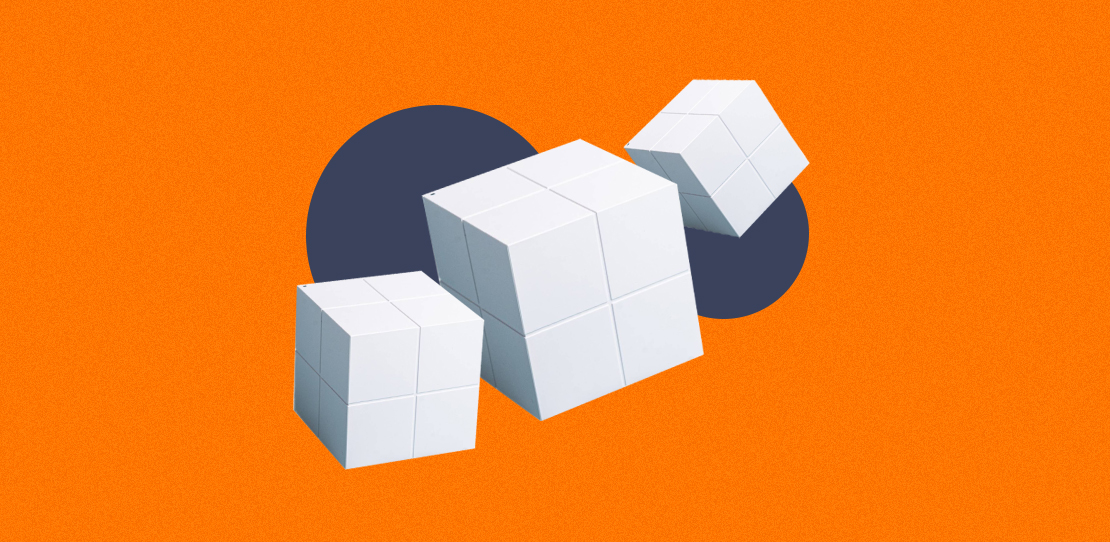
The "dead zone." We all have one. That’s the part of the house where the WiFi signal goes to die. For me, it was the first floor of our house. Our router is on the second floor (where my office is), and by the time the signal made its way downstairs, it was a shadow of its former self. Streaming was a constant struggle, and video calls were a lost cause.
I knew a traditional WiFi extender wasn't the answer, and I needed a seamless, whole-home solution. The answer, I thought, was a WiFi mesh system. My mistake? I bought just one.
I bought one online and set it up. I followed the app's instructions, but no matter what I did, it still didn't work. There was no main router to connect to in the app, and the single unit didn't appear to be functioning at all. Frustrated and confused, I went back to the user manual. That’s when it hit me. You can’t build a "mesh" with a single point. My single unit was a satellite node without a main router to connect to.
I learned the hard way that a WiFi mesh system requires at least two units: one to act as the main router, connected directly to your modem, and at least one other to extend the signal throughout your home. To save you from making my mistake—and other common ones—here are five crucial WiFi mesh setup fails to avoid.
1. Buying only one unit (My mistake)
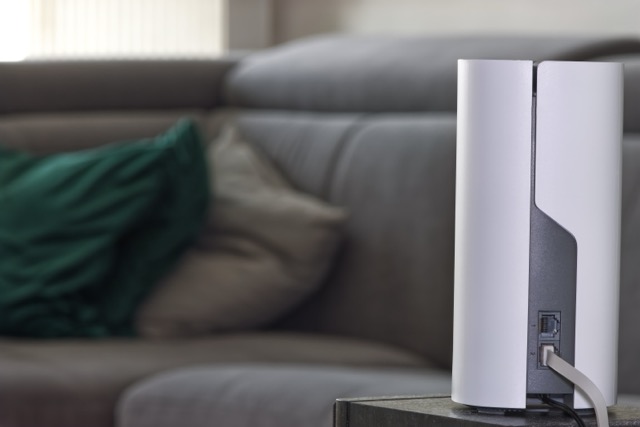
This is the most fundamental mistake. A WiFi mesh system is designed to create a network of interconnected "nodes" or "points." You need at least two of these to get started—one to replace or work alongside your existing router, and another to act as the satellite point. Think of it as a team: the main unit handles the connection to the internet, and the satellite units bounce that signal around the house to eliminate dead zones.
2. Placing the nodes too far apart
The goal of a mesh system is to create a seamless, overlapping network that provides a unified connection. If you place the nodes too far apart, the signal between them will be weak, and the mesh will be ineffective. A good rule of thumb is to place the second node roughly halfway between your main router and the area with the poor signal. Most mesh apps will even guide you with a signal strength indicator to help you find the perfect spot.
3. Hiding the units in a cabinet or behind a TV

From SOY Official GIPHY
We often want to hide our tech, but mesh nodes need to breathe. They work best when they have a clear line of sight to each other and to your devices. Placing them inside a closed cabinet, behind a large television, or in a closet can significantly weaken the signal. For optimal performance, place them out in the open on a shelf or table. You may also consider adding it as a display or an additional aesthetic element at home (or in your office).
4. Not using a single network name
The primary benefit of a mesh system is its ability to allow users to roam seamlessly. This means your devices will automatically switch to the strongest WiFi signal as you move around the house, all while staying connected to a single network name (SSID). If you don't set up the mesh system to use a single SSID, you're not getting the full benefit. You'll have to manually switch networks, which defeats the entire purpose of a mesh.
5. Assuming all mesh systems are universal
While many popular brands work in a similar way, it's a mistake to assume all mesh units are compatible with each other. A Netgear mesh system won't mesh with a D-Link system. Make sure you purchase a kit from a single manufacturer to ensure the nodes can communicate and create a cohesive network.
I'm happy to report that I returned to the store and bought a two-pack. The setup was a breeze once I had the right number of units, and my first-floor dead zone is now a thing of the past. By avoiding these common mistakes, you can save yourself a lot of frustration and finally enjoy reliable, whole-home internet.
Ready to solve your WiFi woes the right way?
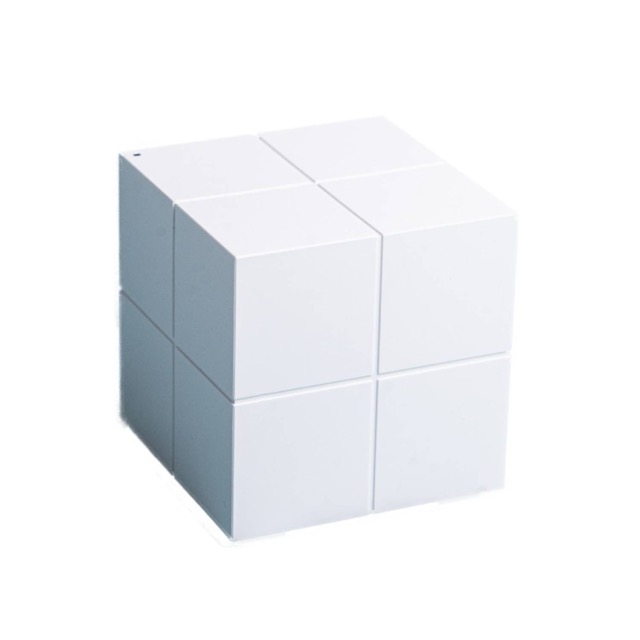 Courtesy Next Upgrade Shop
Check out the TENDA NOVA MW6 Dual Band Whole Home Mesh Router. The TENDA NOVA MW6 is designed for simplicity and power. Its Dual-Band AC1200 technology ensures fast and stable speeds, while True Mesh technology allows the units to automatically connect to each other, creating a seamless network with a single name and password. You can move from room to room—and floor to floor—without ever losing a connection. And the best part? The TENDA NOVA MW6 is incredibly easy to set up. Just plug in the main unit, place the other one in a strategic location (like halfway down your stairs!), and follow the steps on the user-friendly app. You'll be enjoying a strong, stable connection in every corner of your home in minutes.)
The TENDA NOVA MW6 is the perfect solution for anyone tired of dead zones and dropped signals. Ready to upgrade your home network? Visit the Next Upgrade Shop today and get your own TENDA NOVA MW6 to experience a truly seamless WiFi experience.

AUTHOR
Gracey Maala
Associate Editor
Gracey is the associate editor of Next Upgrade, working as the cheerful sidekick of the editorial board. She also leads writing for the Technology section and loves to explore all things tech! During her free time, she enjoys watching movies and series and bonding with her mom, three cats, and a dog.
