The Ergonomic Edge: How Laptop Stands Improve Your Work Posture
Nothing’s got your back better than these productivity accessories!
January 30, 2026 / by Claire Sunga / 4 mins read
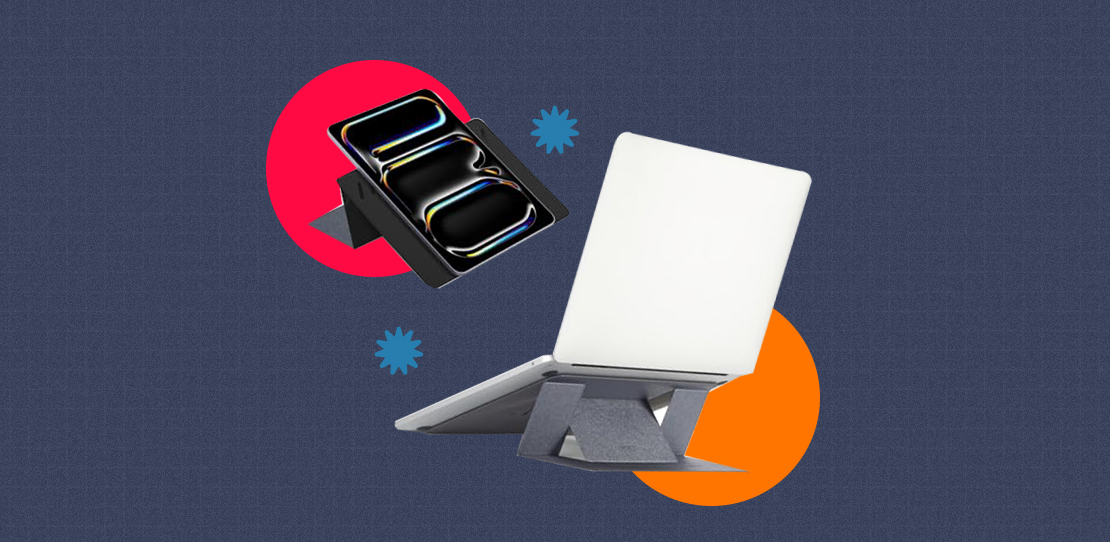
Laptops are good for their portability, but they can also be bad for your posture. The smaller your laptop gets, the slouchier your back gets. And we all know that maintaining a relaxed and comfortable position during work is crucial in ensuring you stay productive throughout the day.
So sit up straight, stay focused, and lessen discomfort on your head, neck, shoulders, and back with a reliable support system. Discover the ergonomic edge of a laptop stand and check out these smart productivity accessories from the Next Upgrade Shop!
Positions screen at eye level
A laptop stand primarily brings your device’s display to level with your eyes. This provides a better viewing experience which makes it easier to read, look, or navigate any part of the screen without necessarily requiring your head to move often.
Avoids hunched backs
Elevating your laptop using a stand enables you to sit straight and keep your spine aligned correctly. Maintaining this posture lessens the pressure and strain on your back which is crucial when working for long hours in front of a computer.
Reduces risk of “Tech Neck”
“Tech Neck” is mainly characterized by pain, stiffness, or soreness of the neck and upper back due to bad posture from overly tilting the head forward, and most common among laptop users. Adding a stand underneath your computer elevates your screen to a neutral level that is friendlier to your neck.
Pleasing camera angle
Since a laptop stand brings your computer’s screen to your eye level, it also sets your device’s camera at a better angle. Instead of an upward focus, an elevated display will create a more flattering and professional view for your online meetings or video calls.
Better typing ergonomics
Laptop stands also promote better typing ergonomics by separating the screen from your keyboard. Elevating your computer with a stand and adding an external keypad to your setup helps position your elbows at a more relaxed height and reduces strain on your wrists.
Prevents laptop from overheating
Additionally, using a laptop stand opens more room for your device to breathe, therefore lessens its chances of overheating. By doing this, you’re also enhancing your computer’s cooling capabilities for consistent performance.
Now take a pause and do a little self-check! ‘Cause if you’re reading this feeling a bit of strain on your shoulders…then this is your sign to get this stand and keyboard pair from the Next Upgrade Shop!
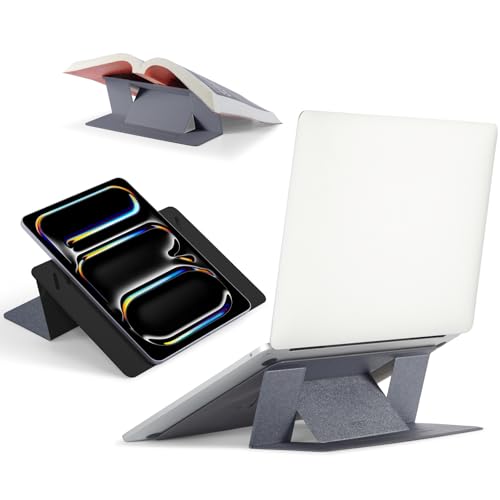
MOFT Laptop Stand
Courtesy Next Upgrade Shop
Work in flexible comfort using the MOFT Laptop Stand. This desk accessory comes with built-in magnets that lift your computer in seconds, and features dual-angle adjustment to help you find the ideal height and comfort when working. This thin and compact adhesive laptop stand can also easily fit your work bag for remote setups, and comes with open vent designs, keeping your mobile workstation cool for longer. Optimize your sitting posture with this productivity tool that retails for ₱1,510 at the Next Upgrade Shop.
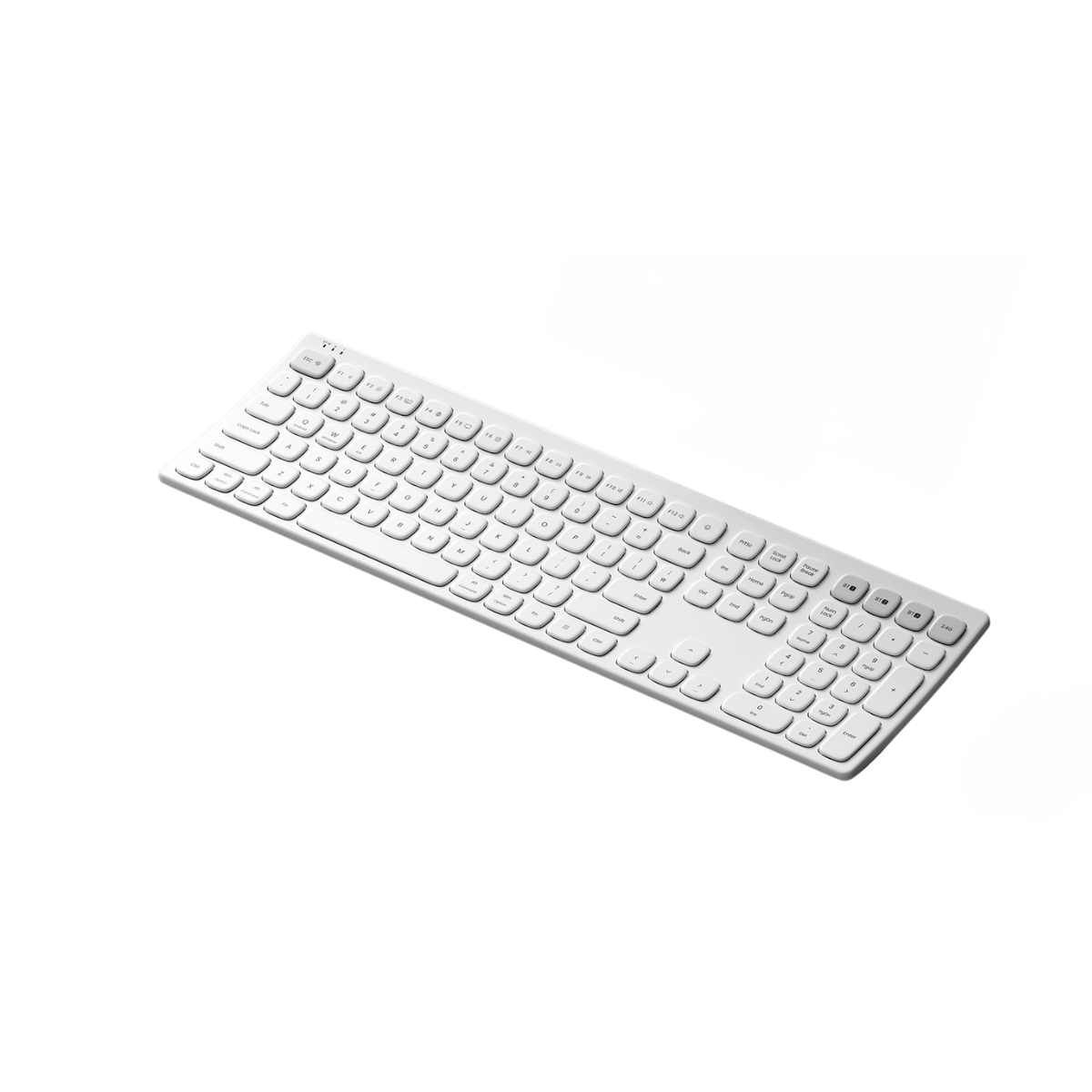
ACTTO B605 Ergonomic Bluetooth 5.2 Wireless Keyboard
Courtesy Next Upgrade Shop
Pair your stand with a good keypad like the ACTTO B605 Ergonomic Bluetooth 5.2 Wireless Keyboard. This smart keyboard features a curved design optimized for typing, compatible with Android, Windows, Mac, and iOS systems. This laptop accessory also comes with a multi-pairing function that can connect up to five devices, and switch from wired, wireless, or bluetooth pairing. Pack your desk with productivity including this wireless keyboard that retails for ₱2,000 at the Next Upgrade Shop.
Planning to enhance your workstation? The Next Upgrade Shop has got your back! Catch the lowest deals on your home office essentials from your trusted brands, and enjoy exclusive deals and discounts, with nationwide delivery by signing up here!